Shopify app overview
A tracking page on your store in one click, the tracking link emailed to your customer as soon as they order, and your deliveries in a dashboard.
Dropshipping friendly: Chinese details, Chinese carriers and the shipping origin are hidden from your customers automatically.
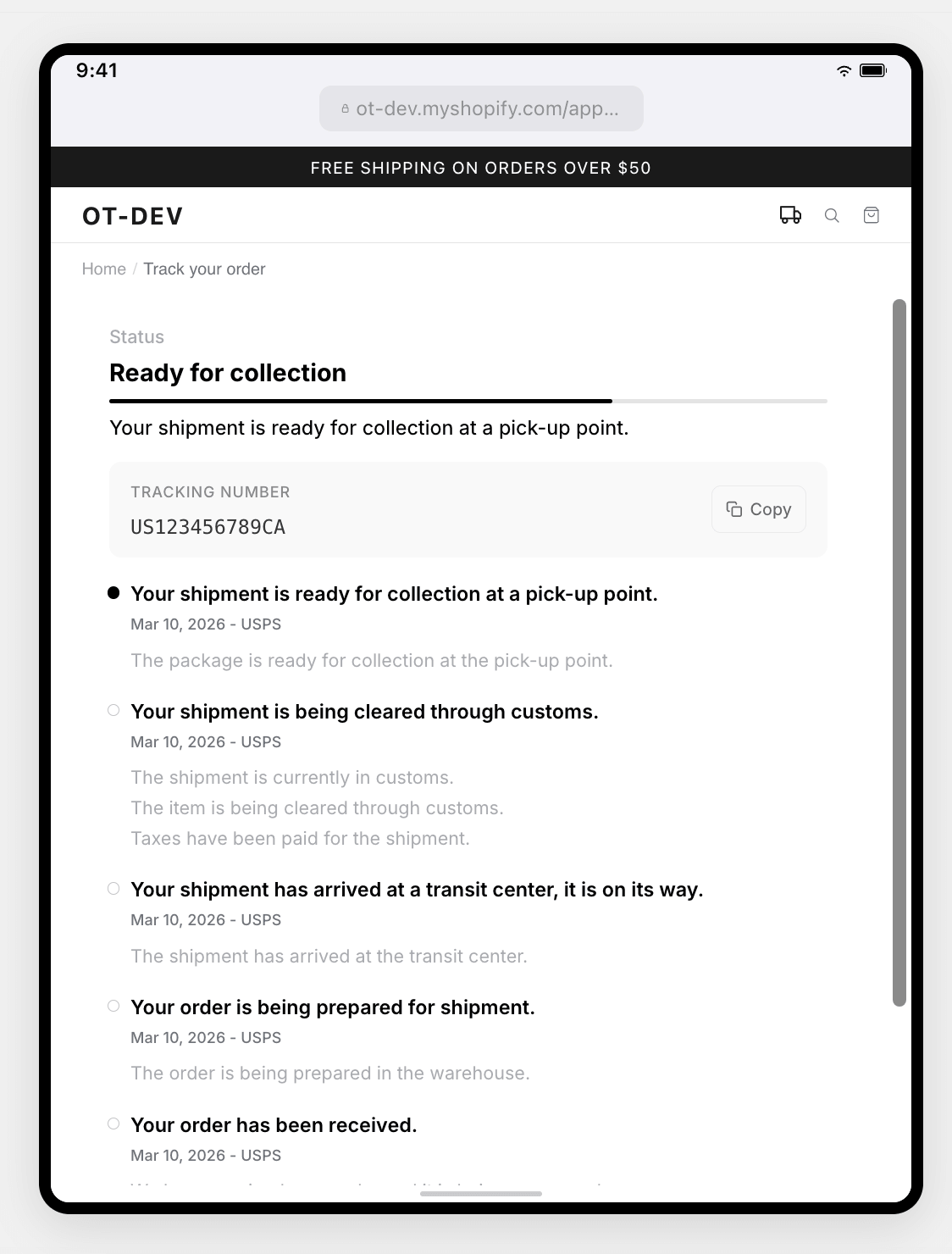
Tracking page
On your own domain, at /apps/ordertracker, with your theme's font and colors by default. From the app you can set your own accent color and Google font, center the page and put the title on one line. Your customer types their order number and email, never a tracking number.
Tracking page URL
https://yourshop.com/apps/ordertracker
Two parameters skip the form and open the order directly.
Direct link to an order
https://yourshop.com/apps/ordertracker?customerEmail=CUSTOMER_EMAIL&orderNumber=ORDER_NUMBER
Email notification
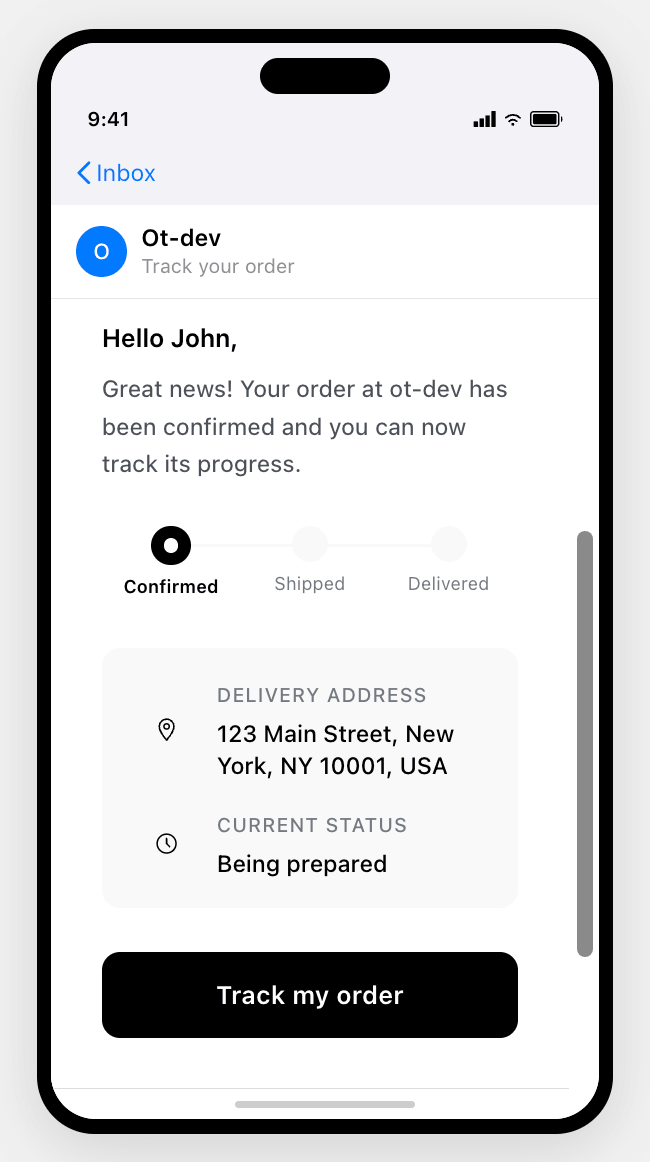
One email per order, sent when the order is placed, with the link to your tracking page. Color and language are set in the app, and it can be turned off.
Headless storefront
Storefront outside Shopify: embed the snippet on your own page and declare its URL in the app. Emails and Shopify tracking links point to it.
Snippet to embed on your page
<div id="ordertracker"></div>
<script src="https://widget.ordertracker.com/sdk.js" data-shop="YOUR_SHOP.myshopify.com"></script>
In the app
- Shipments: carriers, status and transit time, with filters, search and CSV export
- Delivery times: order to doorstep, split between fulfillment and transit
- Carriers: ranked by destination
- Incidents: delays, issues and returns flagged automatically
- AI assistant: ask a question about your shipping data, on paid plans